



Top 11 Free Online Tools for November 2025
Explore 11 free online tools unveiled this November to boost learning, research, and creativity—AI studios, image editors, language help, and more, all at zero cost.
In November, a wave of free online tools arrived to simplify learning, research, and daily tasks. This guide highlights 11 standout services, what they do, and who can benefit—especially English learners looking for practical, low-friction AI helpers.
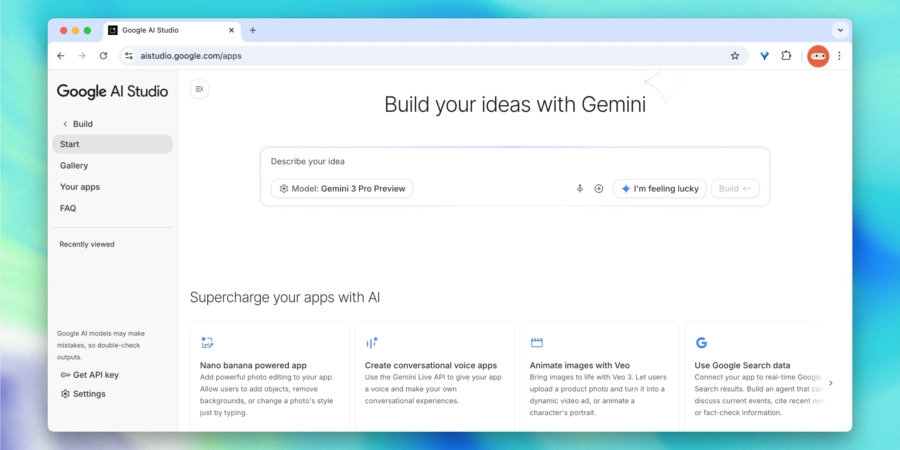
Google AI Studio
- Where to use: Official website.
- Availability: Worldwide.
A browser-based workspace that lets you prototype small apps by describing your idea in simple words. The AI handles the rest, building a working prototype with interface, logic, and integrations—from chat assistants to lightweight web tools. Inside you’ll find Gemini models, image and voice tools, and ready-made templates you can tailor to your needs.
Access is free with sensible usage limits suitable for experiments and one-off projects.
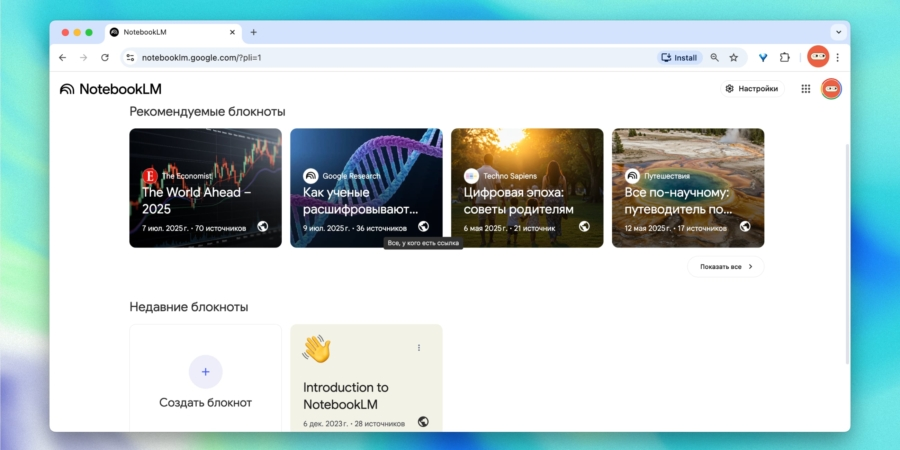
NotebookLM
- Where to use: Official website.
- Availability: Worldwide.
Google’s tool for handling large amounts of information, perfect for study, project planning, or researching complex topics. You can upload articles, books, presentations, or your own notes, and the AI creates a structured summary, highlights key ideas, and answers follow-up questions. In effect, a personal researcher working for you. It’s free to use.
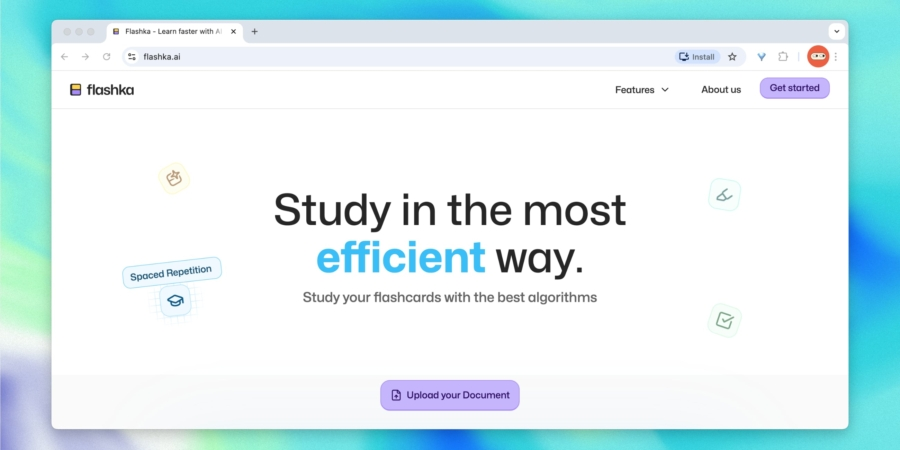
Flashka
- Where to use: Official website.
- Availability: Worldwide.
An interactive study helper that turns any material into convenient flashcards in seconds. Upload notes or lectures and the AI pulls out key points to create cards in your preferred format. Built-in spaced repetition reinforces learning, and quizzes with explanations help you gauge progress.
Supports Russian and various subjects from languages to science. You get 50 free credits per day (enough for 50 cards, quizzes, or questions).
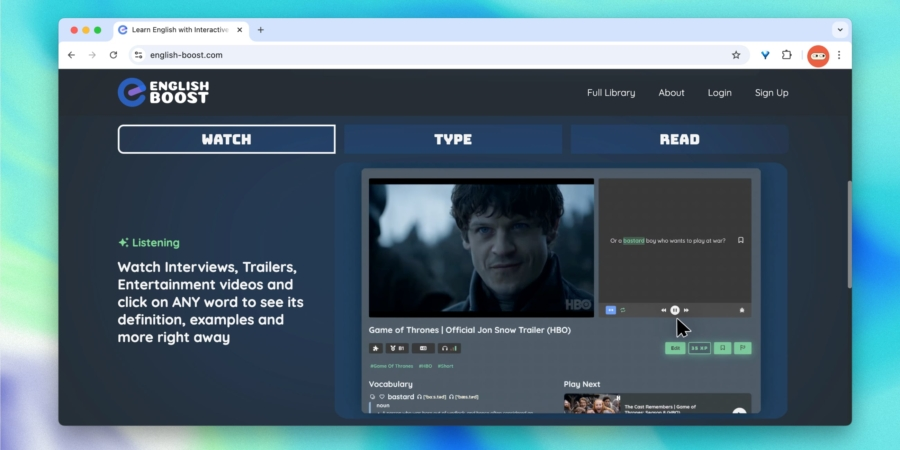
English Boost
- Where to use: Official website.
- Availability: Worldwide.
A free tool to improve English using authentic video interviews, trailers, and educational clips. It offers three learning formats: watch with interactive prompts, type what you hear to practice transcription, and read with a comfortable reader interface. It’s completely free, without ads.
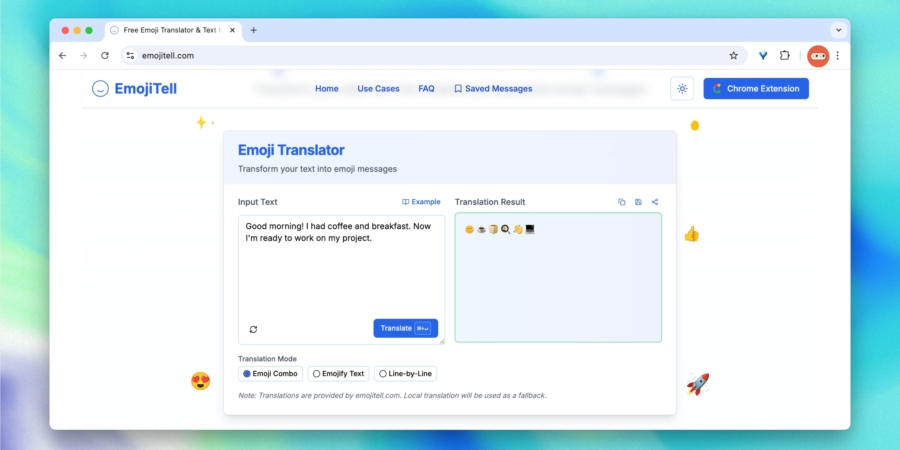
EmojiTell
- Where to use: Official website.
- Availability: Worldwide.
A playful translator that turns ordinary text into emoji-rich messages in three styles—from fully pictorial to minimal emoji cues. EmojiTell supports many languages, suggests fitting emotions instantly, and works in real time as it generates results. Save favorite versions, add your own associations, or install a free browser extension.
Completely free with no limit on translations.
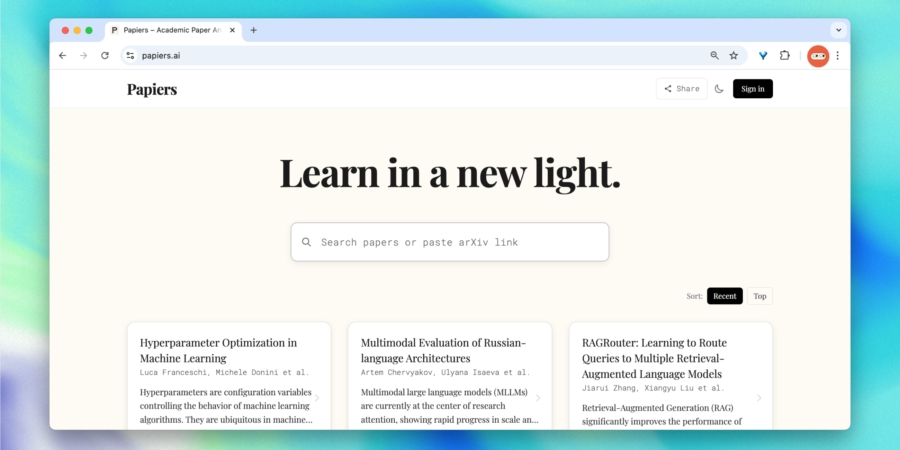
Papiers
- Where to use: Official website.
- Availability: Worldwide.
A powerful research reader that helps you quickly digest scientific papers. Paste a link to arXiv or search for a paper, and you’ll get a concise explanation, abstract, and key takeaways in plain language. The feed is displayed as a grid of popular cards for easy browsing.
Free to use, no signup required.
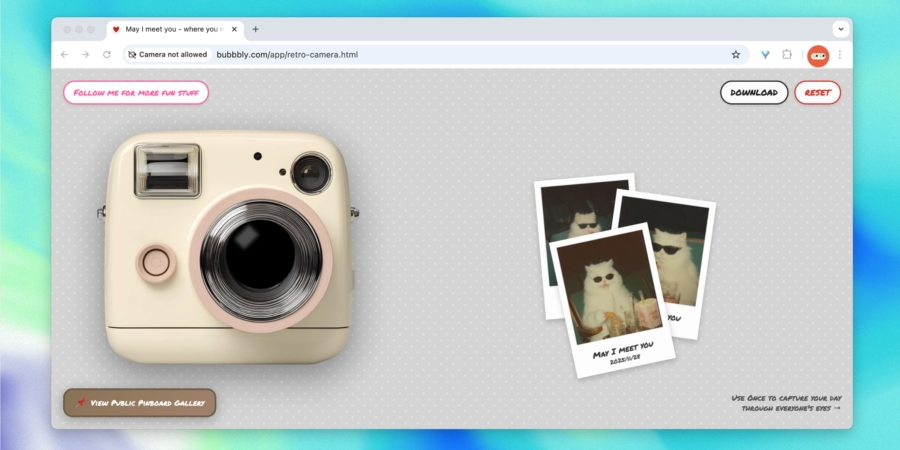
Bubbbly Retro Camera
- Where to use: Official website.
- Availability: Worldwide.
A charming online retro camera that simulates old photo booth shots right in your browser. Pick a frame, snap a photo, and receive warm vintage images in a distinctive style. Downloads and a public gallery are available. No signup needed and it’s free.
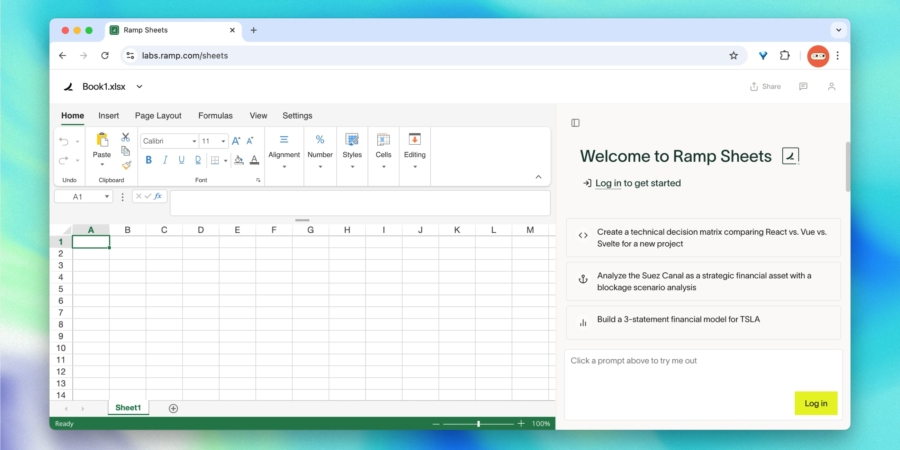
Ramp
- Where to use: Official website.
- Availability: Worldwide.
A vital tool for working with spreadsheets. Describe the data you need, and Ramp Sheets AI will generate a structured table with columns, data types, and basic formulas. It also cleans imports, fills gaps, reorganizes data, and explains formulas in plain language.
Free to use.
ObjectRemover
- Where to use: Official website.
- Availability: Worldwide.
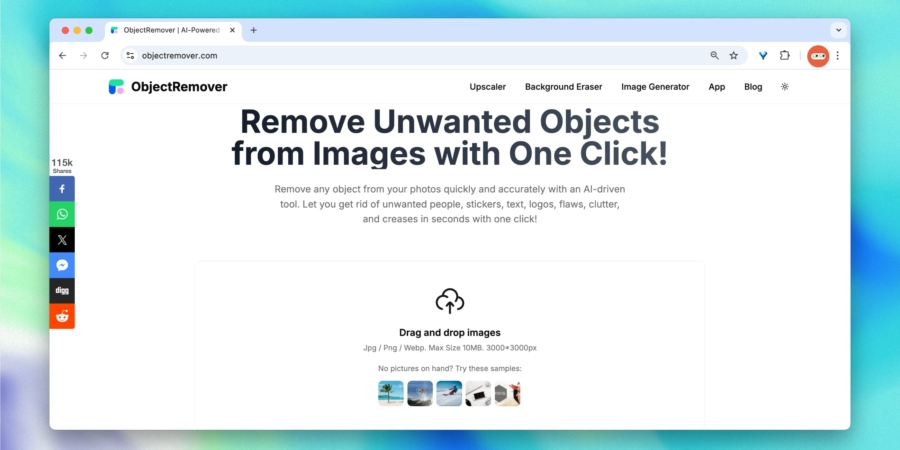
A simple web tool that removes unwanted objects from photos with a single click. It erases people, text, logos, stickers, and flaws while preserving the natural background without artifacts. Works with JPG, PNG, and WebP up to 10 MB and up to 3000x3000 pixels.
Completely free with exports without watermarks.
Oh My Images
- Where to use: Official website.
- Availability: Worldwide.
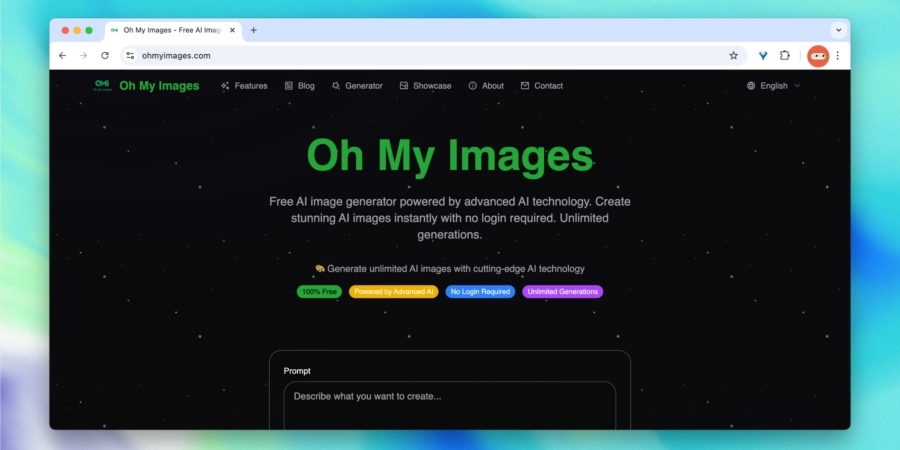
An AI image generator that creates pictures from prompts in about 10–30 seconds. It supports up to five references and offers modes like turning a 2D character into a figurine, virtual makeup, and background removal. All images can be downloaded in high resolution.
Free, no signup and no limits.
GTA Radio
- Where to use: Official website.
- Availability: Worldwide.
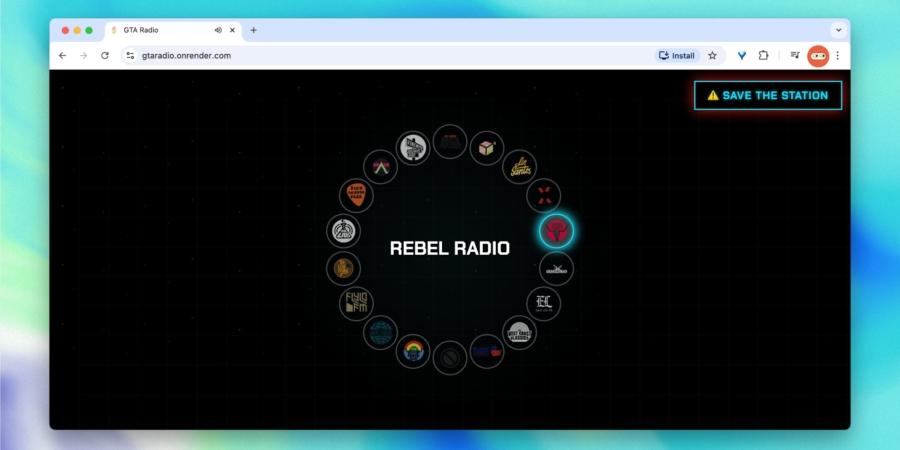
An online player featuring classic radio stations from the Grand Theft Auto video game series. Listen to favorites from Vice City, San Andreas, and more within a browser interface that captures the game’s vibe. A great background soundtrack for study, work, or nostalgia.
Free, no ads, no signup required.
Expert comment: Industry experts note that these tools show AI can simplify study and everyday tasks with minimal setup. Privacy policies and usage limits should be reviewed to protect data while exploring new options.
Short summary: The list features free AI and learning tools spanning research, language practice, design, and media. They require little or no signup and offer fast entry points for productive work. They are especially helpful for English learners seeking practical AI-driven practice and real-world examples.
Key insight: Free, accessible AI tools empower learners and professionals to boost productivity quickly, as long as users choose reputable sources and respect usage limits.