


6 CRM Systems with Built-In Messengers for Easy Team Chat
Discover six CRM platforms that include built-in messaging, helping teams chat and collaborate without leaving the system. Compare features, pricing, and suitability for your workflow.
Choosing a CRM with an integrated chat feature can streamline teamwork by letting colleagues talk, share files, and plan calls right inside the system. Here are six popular CRM options that embed messaging, reducing app-switching and boosting productivity for English-speaking teams.
1. Bitrix24
- Price: from $25 per month for five users.
- Free plan: unlimited users, but limited features. Basic messenger and calling are included.
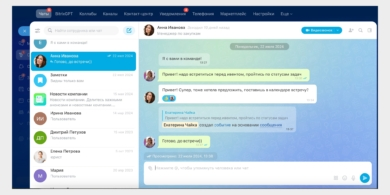
Bitrix24 offers deep, cross‑module chat integration. You can message teammates from a deal page, plan meetings in a chat, and invite colleagues to conversations from any screen. Discussions about clients occur in the same window, and you can add observers or consult with specific colleagues as needed.
Beyond text, the platform supports audio and video calls. AI-powered transcription turns voice to text, analyzes sentiment, and can automatically generate tasks from conversations. The AI also summarizes long chats and helps identify potential cross‑sell opportunities by examining client data.
2. YouGile CRM
- Price: from $5 per user per month, starting with the 11th user when billed yearly.
- Free plan: for teams up to 10 people with no feature limits.
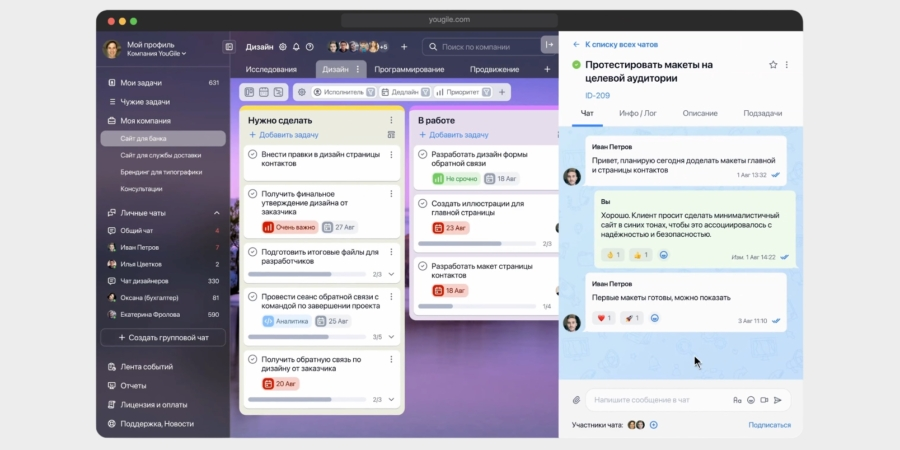
Communication divides into two areas: task-card discussions and private messages. You can create group chats of any size, customize notification settings, and pin key conversations to the quick-access panel for fast reference.
Chats support rich text, file attachments, quotes, mentions, and message pins. Video rooms with screen sharing and audio recording are available, while voice messages are not yet supported and calls aren’t available just yet. A future update may add voice transcription.
3. Megaplan
- Price: from $4.50 per user per month, with a 14‑day trial.
- Free plan: none.
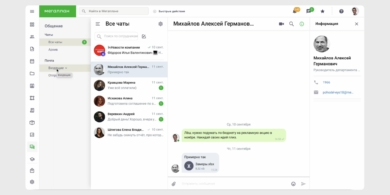
Megaplan offers a full messenger with personal and group chats, plus channels (without threaded comments). You can message directly, share files, and conduct video calls. The Communications block is accessible from both the left and top navigation for quick access. If you connect your email, the system also includes a Mail section for internal and external messages in one place.
Chat inside tasks is possible: you can comment, attach files, and tag teammates. You can view a colleague’s status by clicking their profile and open a direct chat from there.
4. Simple Business
- Price: from $30 per month for the entire company.
- Free plan: unlimited users, but with limits on client database size and task count.
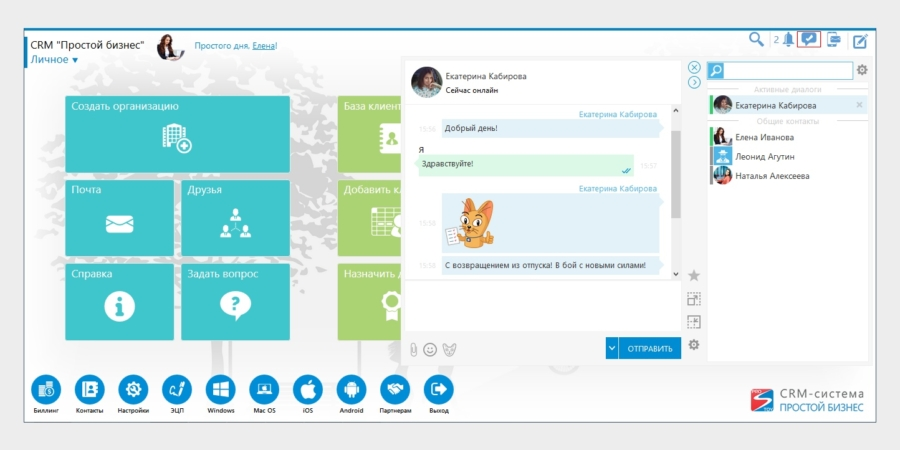
The CRM includes a straightforward internal chat for colleagues: you can message, attach files, and send stickers or emoji. Conversations stay accessible across the system, and active threads rise to the top in the Active Dialogues list. You can pin frequent contacts for quick access and filter messages by date. It’s possible to hide chats with former employees and control message storage on the server.
Video conferences with file sharing and built‑in chat are available. You can invite both internal teammates and external guests via a meeting link, and meetings can be recorded with the link delivered afterward.
5. Client Base
- Price: from $16 per user per month.
- Free plan: none.
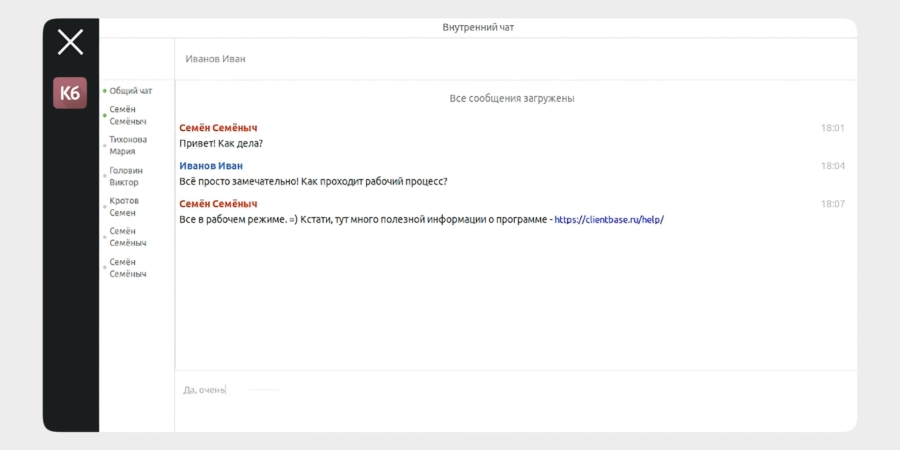
This modular CRM includes a built‑in chat in its core setup. You can run several conversations in different tabs with pop‑up alerts for new messages. The chat is basic, supporting text and links, but lacks file attachments, voice messages, and in‑chat emojis. There are two chat modes: a company‑wide group chat and direct messages with individual users.
6. PlanFix
- Price: from $4.50 per user per month.
- Free plan: for up to five people in planner mode with chat; no full messenger, telephony, or integrated chat features.
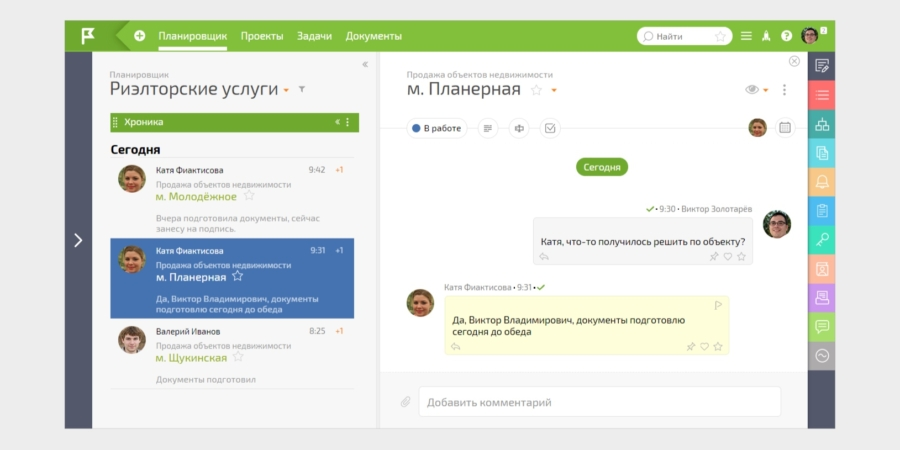
PlanFix blends a task planner with a flexible CRM, where team discussions happen inside tasks. You can format comments, attach images or files, and mark messages as important or pin them. It’s easy to turn a discussion into a task, and the edit history is visible to all users.
The system also includes private comments visible to selected teammates to keep sensitive data secure. An AI set can rephrase, translate, or summarize discussions, using limited AI credits for free.
Note that the developers emphasize task‑focused communication rather than a universal, standalone messenger that operates outside tasks.
Expert comment
Expert opinion: A CRM with built‑in messaging shines when chat is closely tied to work tasks. Choose a platform that mirrors your workflow and keeps conversations relevant to each deal or project.
Short summary
All six options bring native chat to the CRM, reducing the need for separate messaging apps. Bitrix24 stands out with deep cross‑module communication, while Megaplan and PlanFix emphasize task‑focused discussions. If you need external participants or stronger email integration, Simple Business and Megaplan offer solid options; YouGile provides a generous free tier for small teams, and Client Base offers modular flexibility with basic chat in core modules.
Key insight: The most effective CRMs with built‑in messaging keep conversations tightly connected to specific tasks and enforce secure, role‑based access to avoid noise and protect sensitive data.