

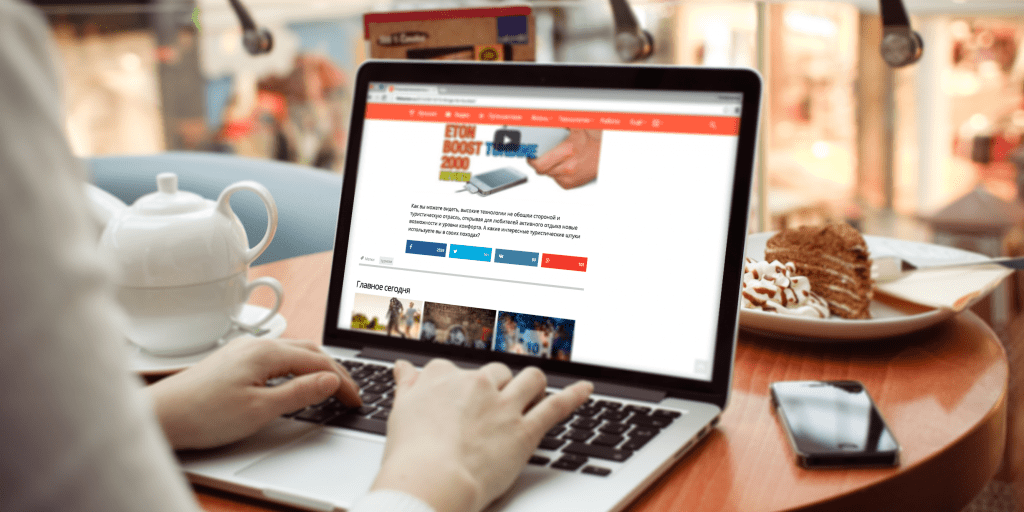

Boost Your Website Engagement with Easy Social Media Buttons Integration
Discover how to effortlessly add social media buttons to your website using Uptolike, a powerful third-party tool tested by experts to enhance user interaction.
In our ongoing series "How to Build a Website," our team spent two months evaluating Uptolike, a service designed to simplify the integration of social media buttons on websites.
The Challenge
Since Facebook introduced its iconic Like button over five years ago, having social media buttons has become essential for websites, web services, and mobile apps. From personal experience, even adding 3–4 popular social buttons can be challenging for beginners unfamiliar with PHP or JavaScript. Moreover, with the surge in mobile content consumption, website owners must ensure their site looks great across desktop, tablet, and smartphone screens.

Exploring Solutions
Website development is an ongoing process, especially for high-traffic sites. We grew frustrated managing a variety of social buttons and sought a universal solution.
Since our site runs on WordPress, our first step was exploring the plugin repository. Although numerous plugins exist, 99.9% lacked essential features like flexible settings, analytics, or support for platforms like VKontakte. One plugin even crashed our site due to server overload from rendering multiple buttons. This led us to create a custom module tailored to our needs.
Pros and Cons of a Custom Module
A custom module offers full control, allowing us to build exactly what we need. However, it requires skilled developers, and the development speed and quality depend heavily on their expertise. Our key developer dedicated significant time to this project, sometimes resorting to complex workarounds—for example, integrating the Pocket button required proxying due to technical difficulties.
Another drawback is limited portability; adapting the module for other projects demands substantial effort. Additionally, social platforms frequently update their APIs, necessitating ongoing maintenance and consuming valuable development time. To reduce support overhead, we considered third-party solutions like Uptolike, which we discovered when their team approached us offering a trial. Thus began our Uptolike evaluation.
Advantages and Limitations of Uptolike
Initially, Uptolike lacked the Pocket button, a feature we struggled to implement ourselves. However, the developers quickly addressed this, adding a fully functional Pocket button within two days, boosting our confidence in their responsiveness.
Uptolike works seamlessly across desktop and mobile browsers without requiring advanced technical skills. Its user-friendly dashboard allows easy customization of appearance and functionality.
Importantly, Uptolike’s simplicity doesn’t compromise flexibility. We customized the module’s look to perfectly match our website’s design.
After setup, we spent two months experimenting with button placement and styles, monitoring results through Uptolike’s comprehensive built-in analytics, which provide detailed insights into user interactions.


Looking Ahead
After thorough testing, we wholeheartedly recommend Uptolike as a reliable social media button solution. You might wonder why we still maintain our custom module despite this. The answer is that we have invested heavily in our own system, which currently meets our specific needs better—at least for now.
Not every website owner has the resources or need to develop and maintain a custom solution. Uptolike offers a high-quality, ready-made option that enhances social engagement quickly and cost-effectively. If you’re searching for an effective social button tool, Uptolike is definitely worth trying.
*Note: Meta Platforms Inc. and its social networks Facebook and Instagram are restricted in certain regions.
Discover engaging topics and analytical content in Top Categories as of 10-04-2022. The article titled " Boost Your Website Engagement with Easy Social Media Buttons Integration " provides new insights and practical guidance in the Top Categories field. Each topic is meticulously analyzed to deliver actionable information to readers.
The topic " Boost Your Website Engagement with Easy Social Media Buttons Integration " helps you make smarter decisions within the Top Categories category. All topics on our website are unique and offer valuable content for our audience.