

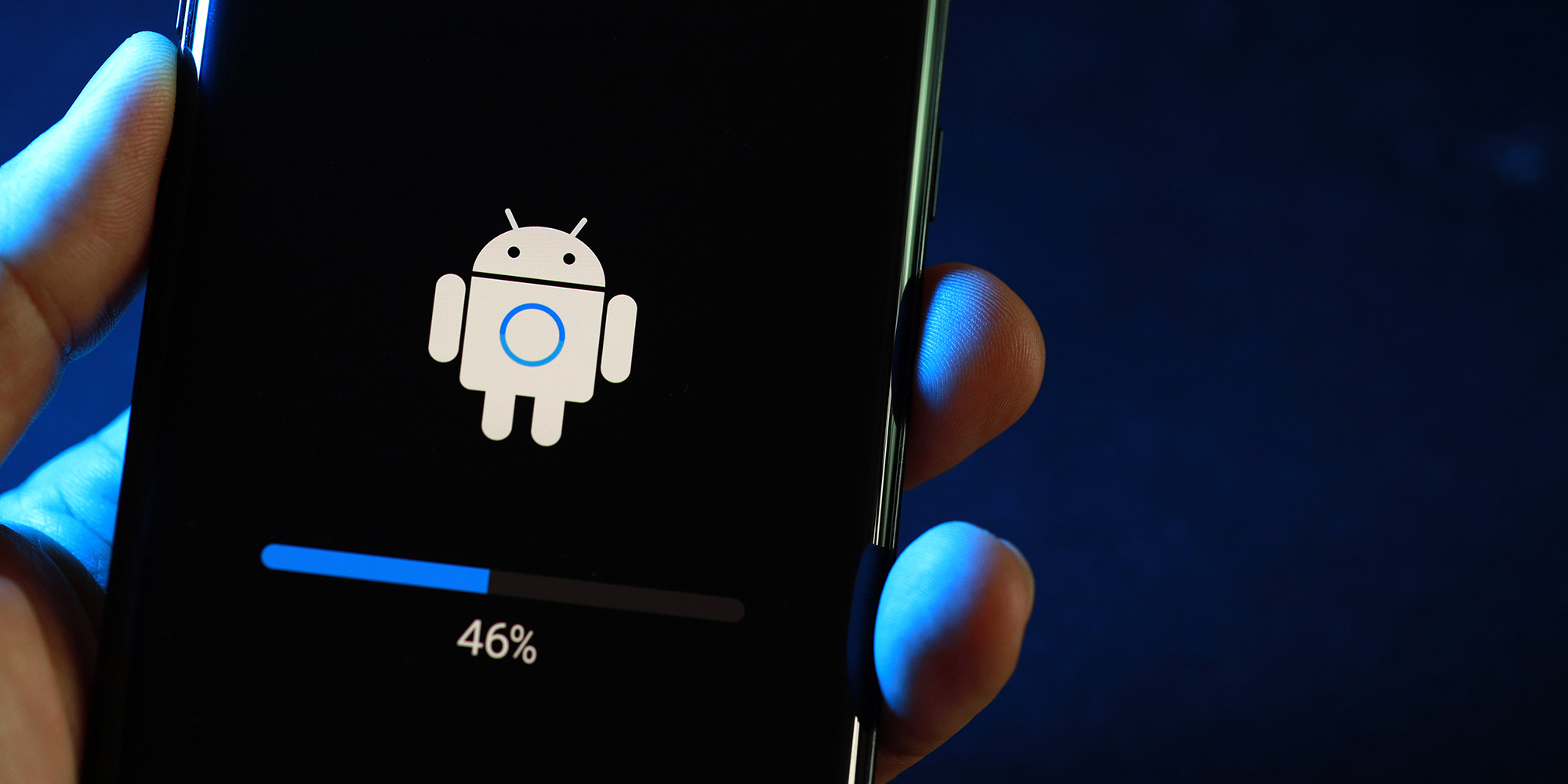

Factory Reset: When Your Smartphone Really Needs It — A Practical Guide
Resetting a smartphone should be a last resort. Learn when it's truly needed, the risks involved, and the best way to back up data before you proceed, helping you avoid mistakes.
Resetting a smartphone to factory settings should be a last resort. It's a powerful step that erases all files and settings, so you should proceed with purpose and for solid reasons. Here are common scenarios where a reset may help.
When a factory reset is worth considering
- Severe device slowdowns. Apps take forever to open, the UI lags, battery drains faster, and cleaning cache or freeing space doesn't fix the issue. A full reset can restore the device to its original state straight from the factory.
- Persistent system problems. Network drops, camera won't start, or notifications behave oddly. If a stubborn bug appears after long use or following updates, a reset can clear conflicting settings and damaged files.
- Malware and unwanted software. If ads pop up, apps install themselves, or the device acts suspiciously, a reset removes hidden components that routine cleaning might miss.
- Preparing to sell or give away the phone. This protects your photos, chats, and accounts. Even if you think you deleted everything, there’s no guarantee your data won’t surface on the new owner's device.
Before resetting, back up what matters most — photos and videos, important documents, and app data. Use cloud storage or copy files to a computer or external drive. To perform the reset, go to your device's settings and look for reset or system options.
How to back up and reset safely
Backups ensure you can restore information after the reset. For Android devices, back up to your Google account or a computer; for iPhones, back up to iCloud or a computer. After saving your data, proceed with the reset: on Android, Settings > System > Reset options > Erase all data; on iPhone, Settings > General > Transfer or Reset iPhone > Erase All Content and Settings.
What to expect after the reset
The phone returns to its original software state, so you will need to reinstall apps and reconfigure settings. Restore data from your backup, sign back into accounts, and re-establish privacy preferences.
Expert comment: A routine reset can solve many stubborn issues, but it should be supported by a complete data backup and a plan for restoring essential information. It is a last resort that can save time and frustration when other fixes fail.
Short summary
Factory resets remove all personal data and settings, returning the device to its original software state. Use this option only after trying less drastic fixes and when you have a reliable backup ready. Preparing your data beforehand makes the process quicker and reduces risk.
Key insight: A factory reset is a powerful tool that should be used only after backing up important data and understanding the consequences.