


Top 10 Free Online GIF Makers to Turn Videos into Animations
Discover reliable, watermark-free tools to convert videos into GIFs with minimal effort. Quick steps and practical tips for learners and creators.
Turning videos into GIFs can boost engagement for social posts or tutorials. These free online tools cut the steps to just a few clicks, without installing software. Below are reliable options for learners and creators alike.
1. Ezgif
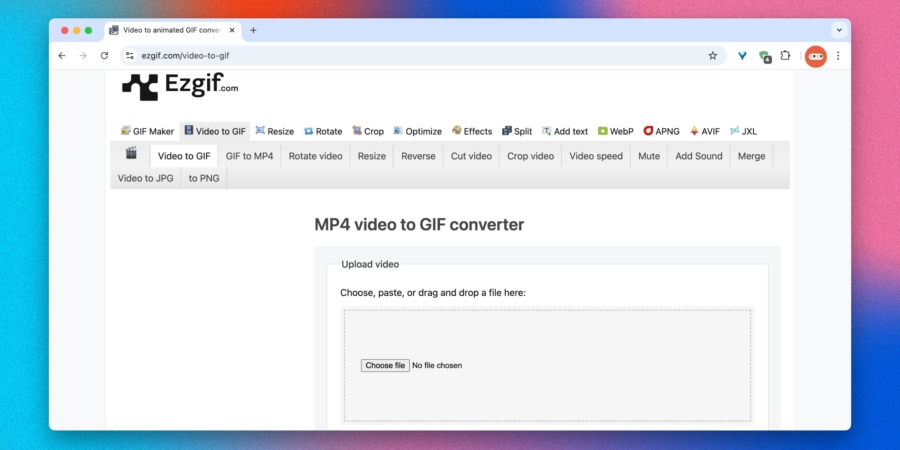
Ezgif is one of the oldest online GIF editors. It handles quick conversions and precise edits. You can trim, resize, adjust speed, crop, or scrub through frames—enough options for smooth, custom animations.
The interface looks a bit retro and uses separate tabs. The maximum upload size is 200 MB. Still, it has no watermarks, no signup required, and reliable results for many tasks requiring clean animation.
Visit site →
2. Giphy
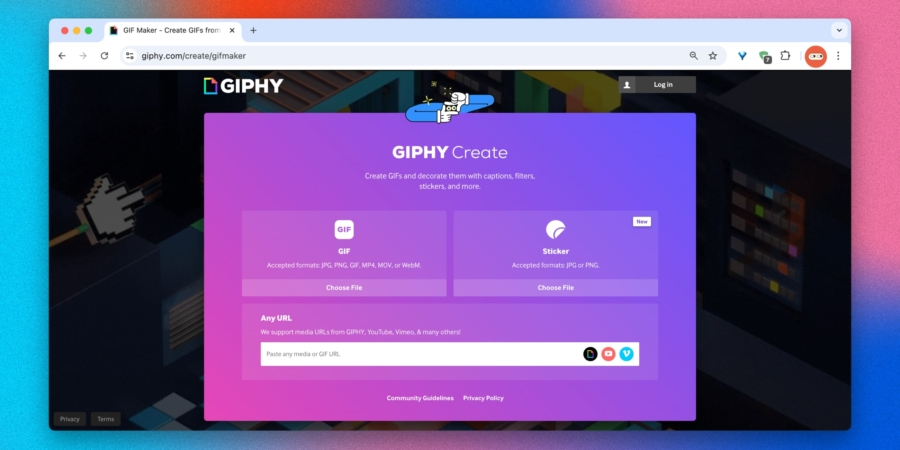
Giphy is the largest GIF library and also offers a simple online editor. You can upload a video, paste a YouTube link, or pick frames from the library, then add captions, stickers, or basic effects for quick reactions or social posts.
Editing options are basic. The platform accepts videos up to 10 minutes and 100 MB, and output GIFs are capped at 30 seconds. Publishing to the public library requires sign-in, but exporting GIFs is free and watermark-free, with easy sharing to messaging apps and social networks.
Visit site →
3. Adobe Express
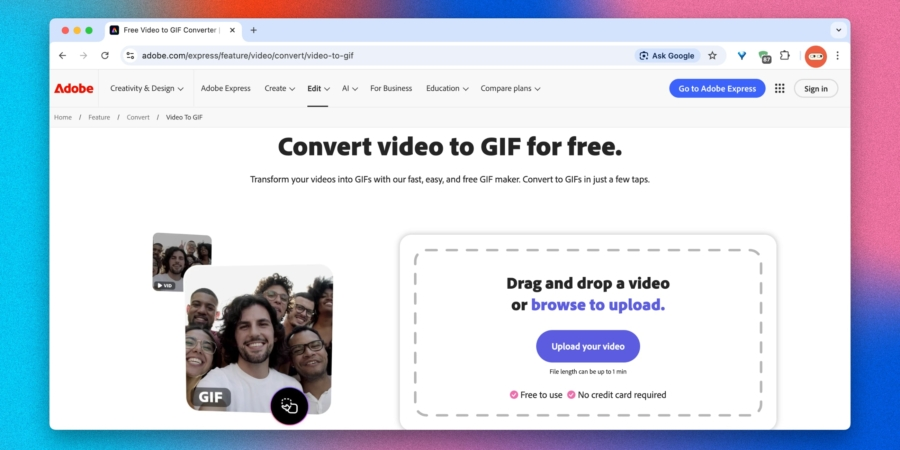
Adobe Express is a versatile online tool that can turn videos into GIFs. It is convenient for short clips and quick animations. Upload your video, choose start and end points, pick output size and format, and export a GIF.
Limitations include that the source video should be 60 seconds or shorter, and downloading the GIF may require signing in with a free Adobe account. Access can perform best when used from regions where the service is available.
Visit site →
4. Clideo

Clideo is a multi-task video editor with a dedicated GIF mode. It is handy when you need more than a simple conversion: assemble GIFs from videos and images, trim, adjust aspect ratio, add text and stickers, and control duration and speed directly in the browser.
The free version adds a visible watermark to GIFs. You can remove it by subscribing. The free size limit for input videos is 500 MB.
Visit site →
5. Canva
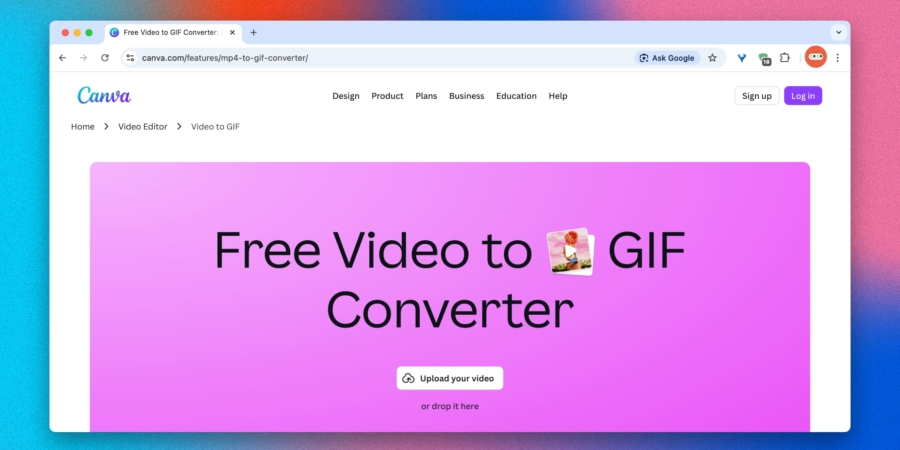
Canva is a popular design platform with a vast template library that can also convert videos into GIFs. In GIF mode, you can trim clips, adjust playback speed, add text, subtitles, filters, and transitions. It supports MP4, MOV, MPEG, MKV, WEBM, and more and runs entirely in your browser.
Full features require a steady internet connection. Some advanced options may be behind Canva Pro, and access can depend on regional availability.
Visit site →
6. Biteable
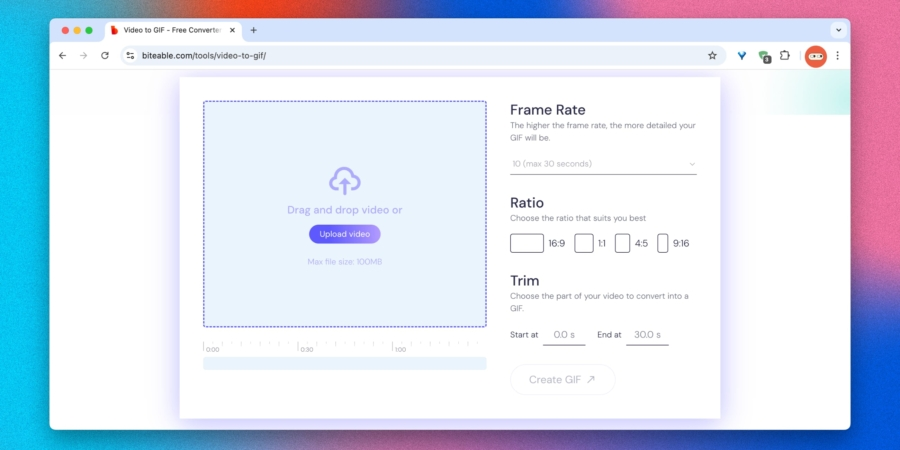
Biteable offers a straightforward online path to turn short videos into neat GIFs. Upload your file, set the length, and the animation is ready in seconds. Choose aspect ratio, frame rate, trim, and export a clean GIF without watermarks in many cases.
Limitations include a maximum video size of 100 MB and GIF length up to 30 seconds. The service is free and generally watermark-free for basic uses.
Visit site →
7. Make a GIF
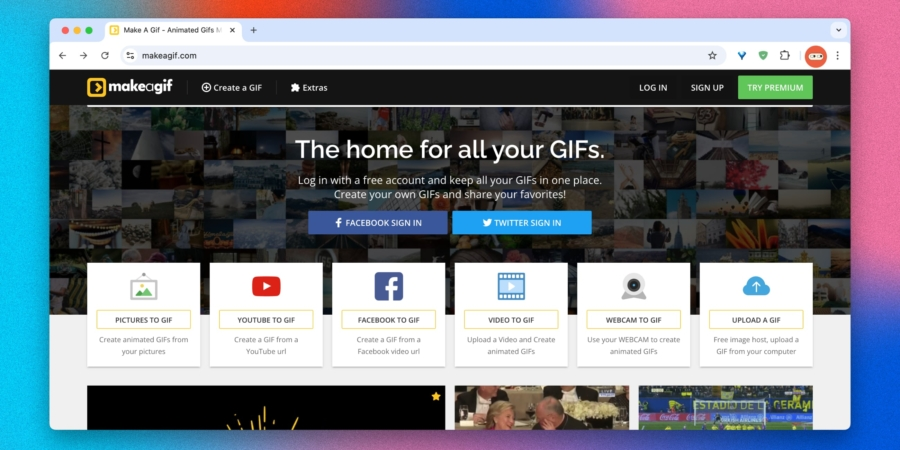
Make a GIF is a versatile tool with several modes: upload your own video, build from a series of photos, paste a YouTube link, or record from a webcam. It’s designed for flexibility, with options to add text, stickers, adjust speed, and control quality.
In the free version, a small watermark appears, and processing speed and quality have caps. A paid plan unlocks HD exports, custom watermarks, and faster renders.
Visit site →
8. Imgflip
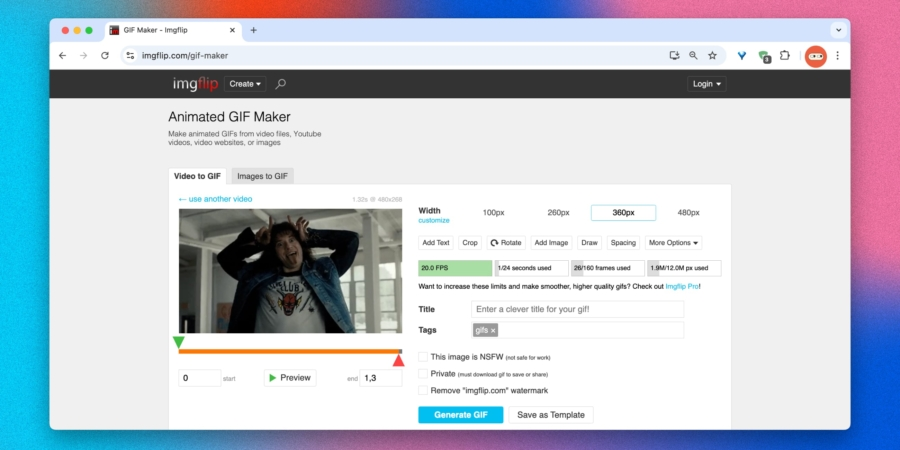
Imgflip provides a feature-rich online GIF editor that can create GIFs from videos, YouTube or Vimeo links, uploaded images, or existing GIFs. It offers many controls—frame size, FPS, and the number of frames—plus captions, stickers, drawing, cropping, and animated text that can follow motion on screen.
The free version adds a small watermark and imposes limits: up to 20 FPS, 24 seconds, 160 frames, and 12 megapixels. A paid plan removes these limits and raises quality thresholds.
Visit site →
9. Gifpal
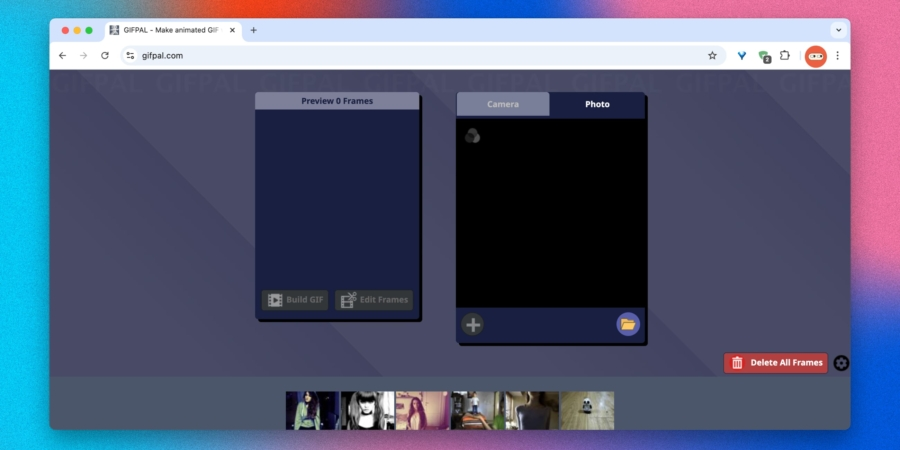
GifPal lets you create stop-motion style GIFs by capturing frames with your webcam or by using a sequence of photos. It’s a simple, no-frills tool for quick sketches, tiny projects, or creative experiments.
Pros include a straightforward workflow without signing up and no watermarks. The interface feels a bit dated, and it doesn’t support uploading longer videos.
Visit site →
10. Convertio
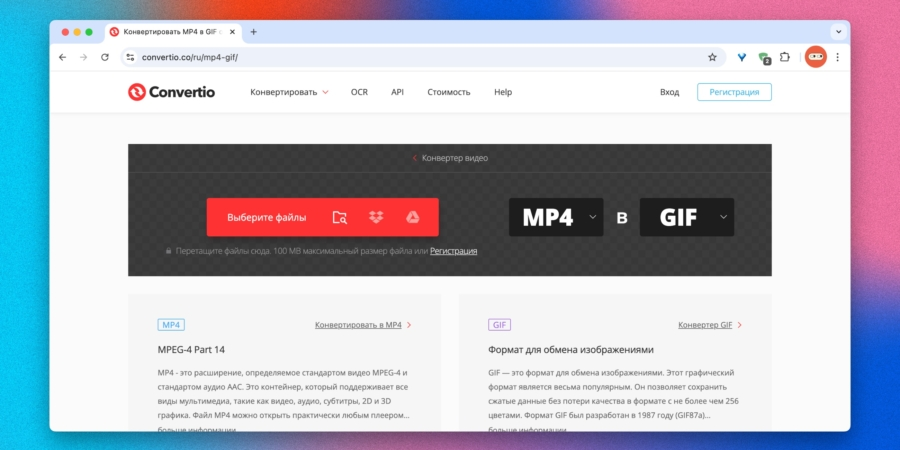
Convertio is a practical online converter focused on file formats. It’s ideal if you simply need to turn a video into a GIF. Upload from your computer, fetch by URL, or import from Google Drive and Dropbox, then choose GIF as the output format.
Convertio supports more than 30 input video formats, but it lacks in-video editing features. The free tier imposes a 100 MB per-file limit and may have a slower processing queue. The upside is that GIF exports are typically watermark-free and retain good quality.
Visit site →
Expert comment: For quick GIFs, start with Ezgif or Giphy to balance speed and control. If you need branded visuals, Canva or Biteable offer more design options, though free plans may limit features.
Short summary: A wide range of free online GIF makers cover everything from quick edits to design-driven animations. Choose Ezgif or Giphy for fast results, or Canva, Biteable, and Make a GIF for more styling. Most services offer free plans with trade-offs like watermarks or size caps, while paid plans remove these limits and unlock advanced features.
Key insight: The best GIF tool depends on your goal—quick, simple GIFs suit lightweight editors, while design-focused platforms are ideal for branded animations.